

Editor · Shared Scripts
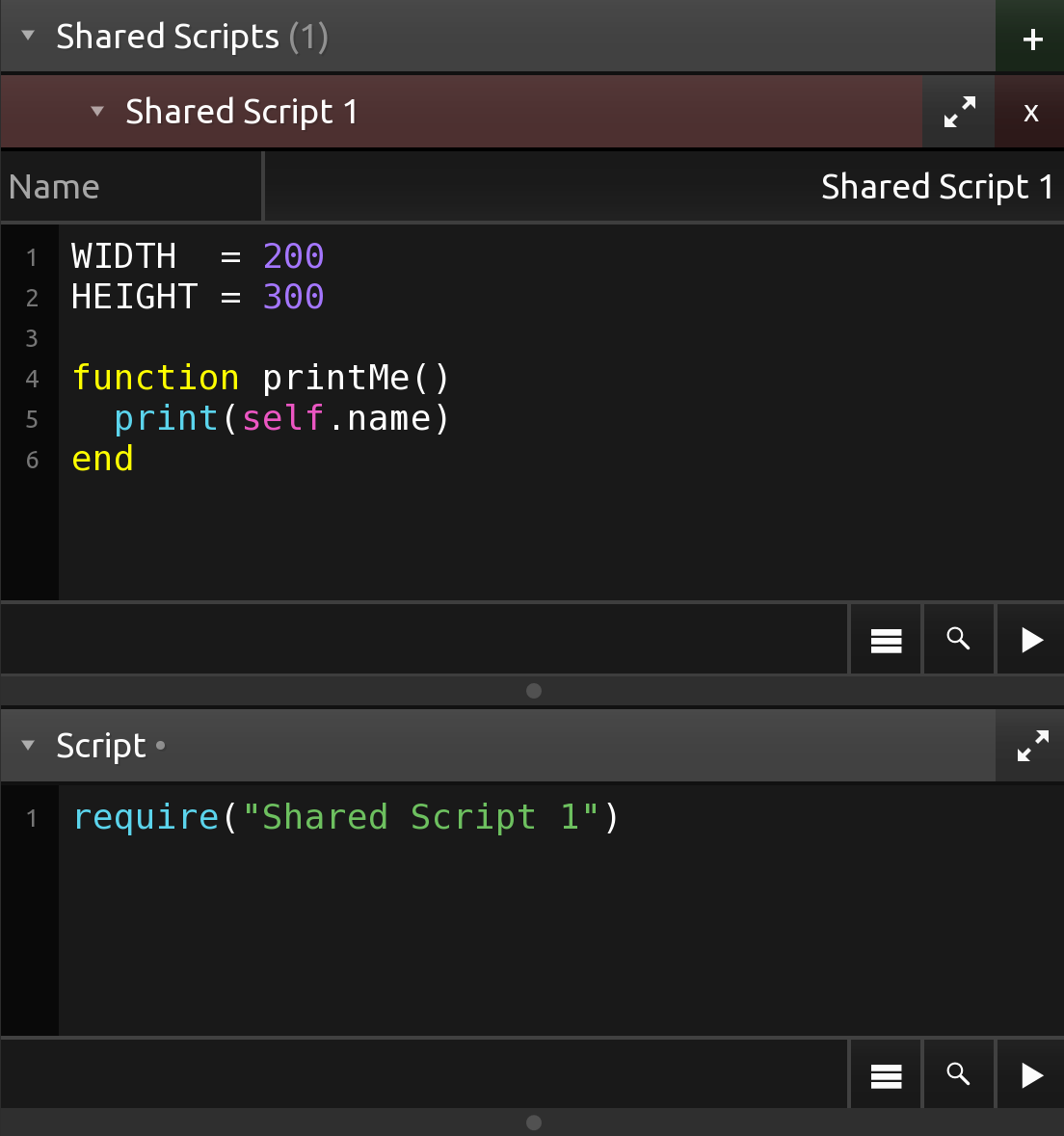
Shared Scripts allow to define common pieces of code that can be included in other scripts.
Shared Scripts can be included in control scripts by name, using the global
script function
require.
The script editor is mostly identical to the editor for control scripts, so we will focus on the differences here.
The Shared Scripts panel will be displayed in the editor panel only at the document root level with no controls selected. If you'd prefer the panel to always show together with the Script Editor, you can enable the Show Shared Scripts panel always preference option.
Create
The plus icon at the right of the Shared Script panel will create a new Shared Script with a default name. There is no limit to how many Shared Scripts can be created.
Remove
The minus icon at the right of each individual Shared Script's panel allows to remove a shared script from the document. A confirmation prompt will be displayed and the action can also be undone.
Name
Change the Shared Script's name.
As the name is used to identify the script when calling the
require function,
this name has to be unique. An error message will be displayed if the new name matches any of the
existing items.