

Preferences · MCP Server
Preferences to control TouchOSC's integrated Model Context Protocol server.
The MCP Server lets AI assistants inspect and edit the current document and perform other actions in the application.
For more information on how to integrate the MCP Server into your assistant's tool workflow and what actions are available, it is best to query your AI assistant directly. You can provide it with the URL for the server displayed in this dialog for help with the setup:
Can you use the MCP server reachable at http://127.0.0.1:13579/mcp to work with TouchOSC?
Note: At the moment, the server allows local connections only and is available on desktop platforms. This is subject to change in a future release.
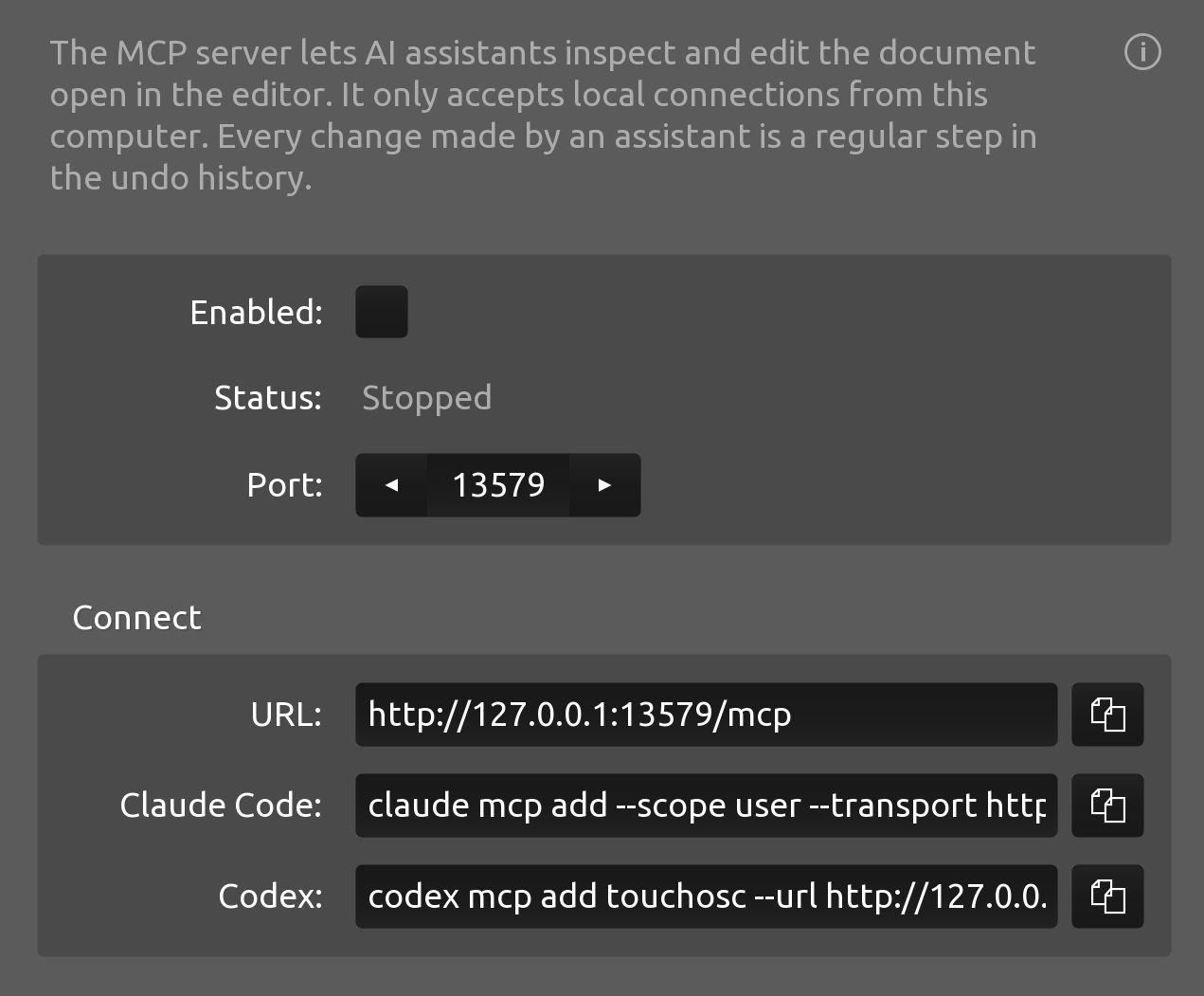
Enabled
Toggles the MCP Server running status on or off.
Note that currently, the value of this option will not be saved between application launches and will always default to off on startup.
Status
The current status of the MCP Server
Displays the server's current state and any error messages related to the server's operation.
Port
The port number the server is listening on for connections.
Changing this value while the server is running will restart the server automatically.
Connect
The URL the server can be reached at when running, plus the commands for adding the MCP Server as a tool for some commonly used AI agents.