

The next generation control surface is here!
Brand-new app. Brand-new powerful editor.
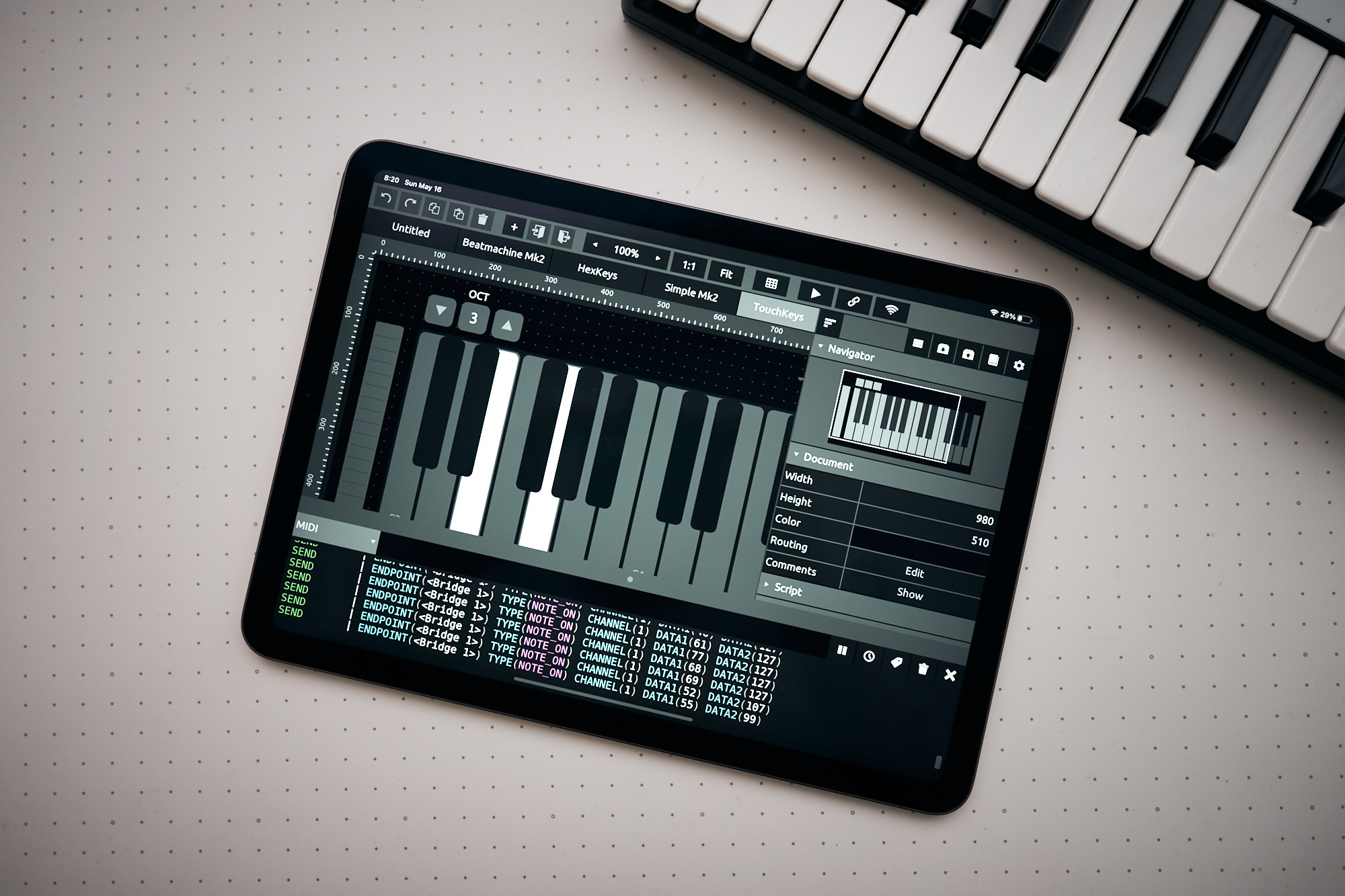
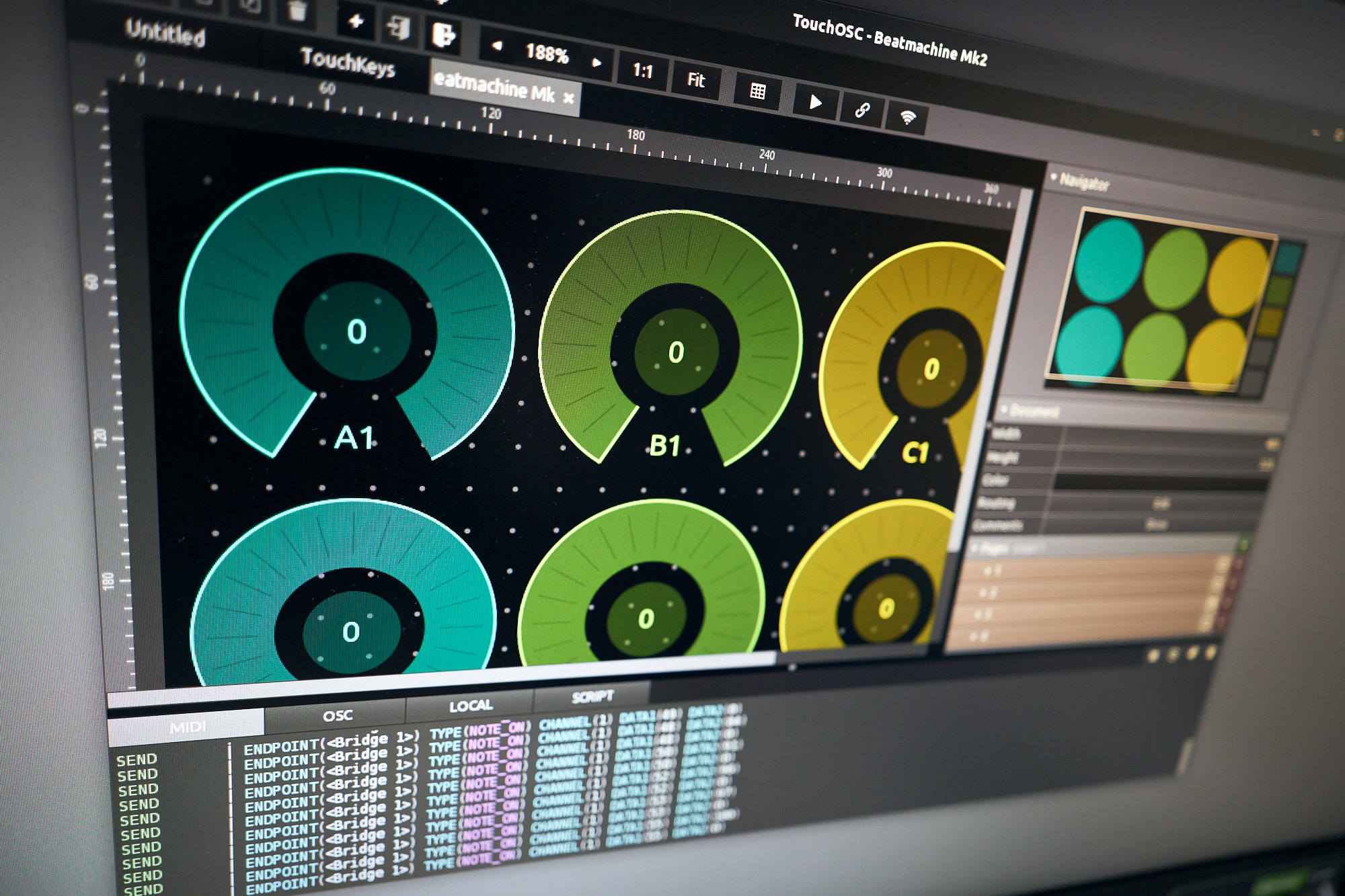
We've listened for the past 10 years and we've re-written the application from the ground up - with speed, features and usability in mind. A GPU-powered, fast and advanced integrated editor is part of TouchOSC on all platforms - create the most complex of control layouts with ease and precision.
MIDI, OSC and more...
TouchOSC supports sending and receiving any number of MIDI and OSC messages on many connections simultaneously. On top of OSC over UDP & TCP, we support every type of wired & wireless MIDI connection your device can offer, including MIDI over USB on iOS and Android.
Cross-Platform. We mean it.
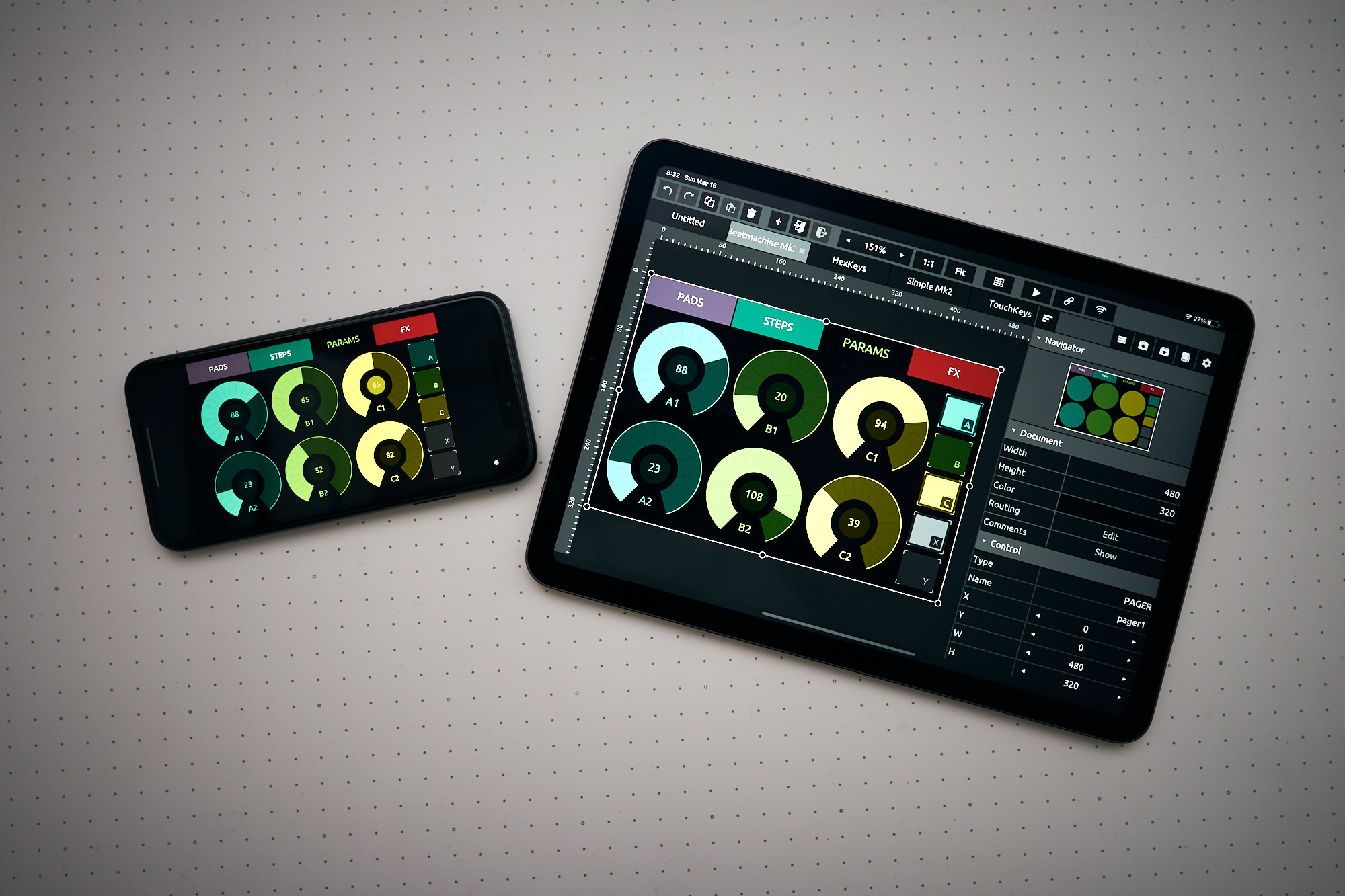
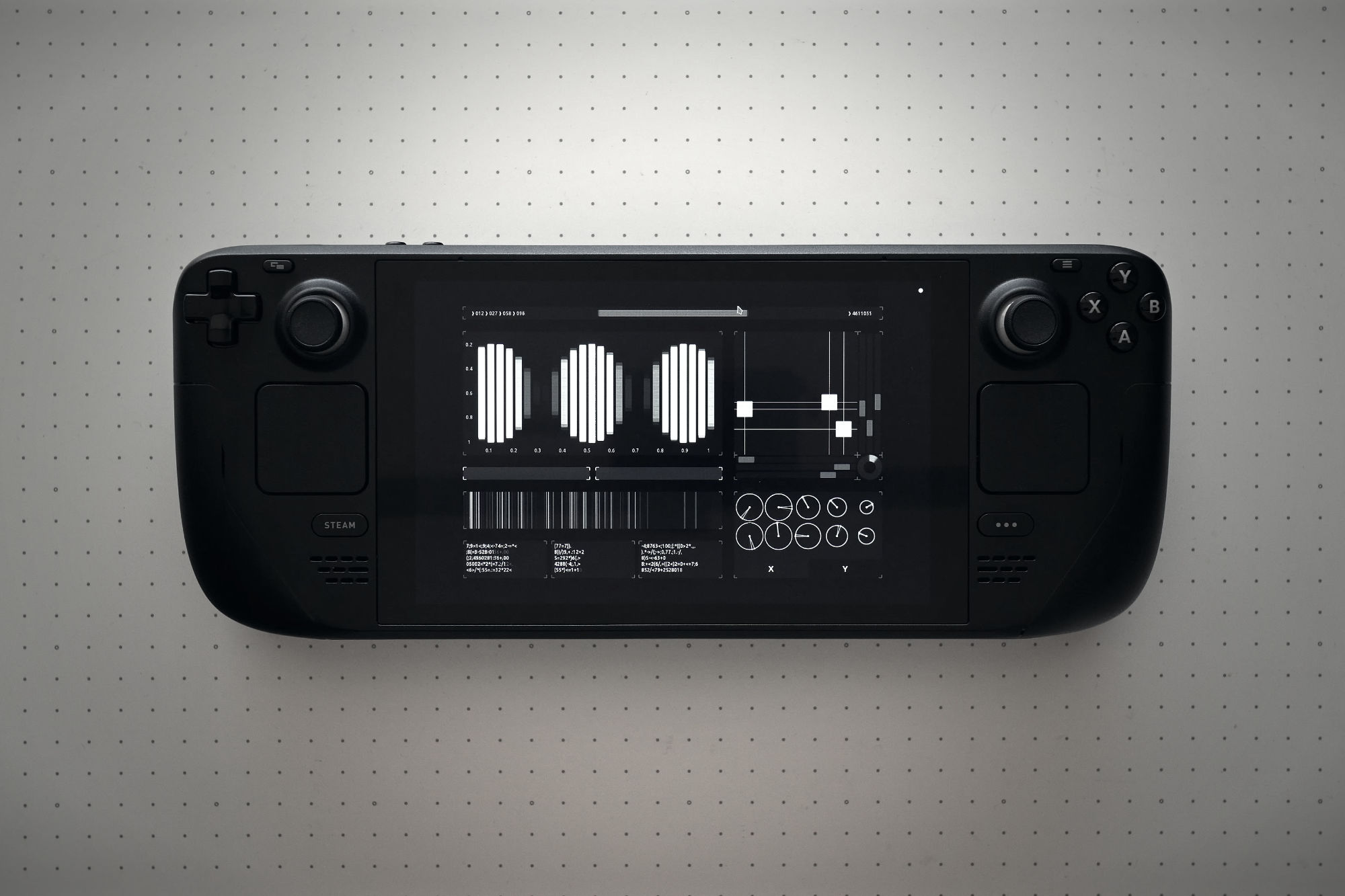
TouchOSC runs EVERYWHERE! From the phone in your pocket to your iTablet Pro™. From a Raspberry Pi to a Windows touch-screen workstation. We support all major operating systems and architectures and the full feature set is available across all versions. We support Windows / macOS / Linux / iOS / Android natively on multiple chips and bits.
Cross-Network. Synchronized editing.
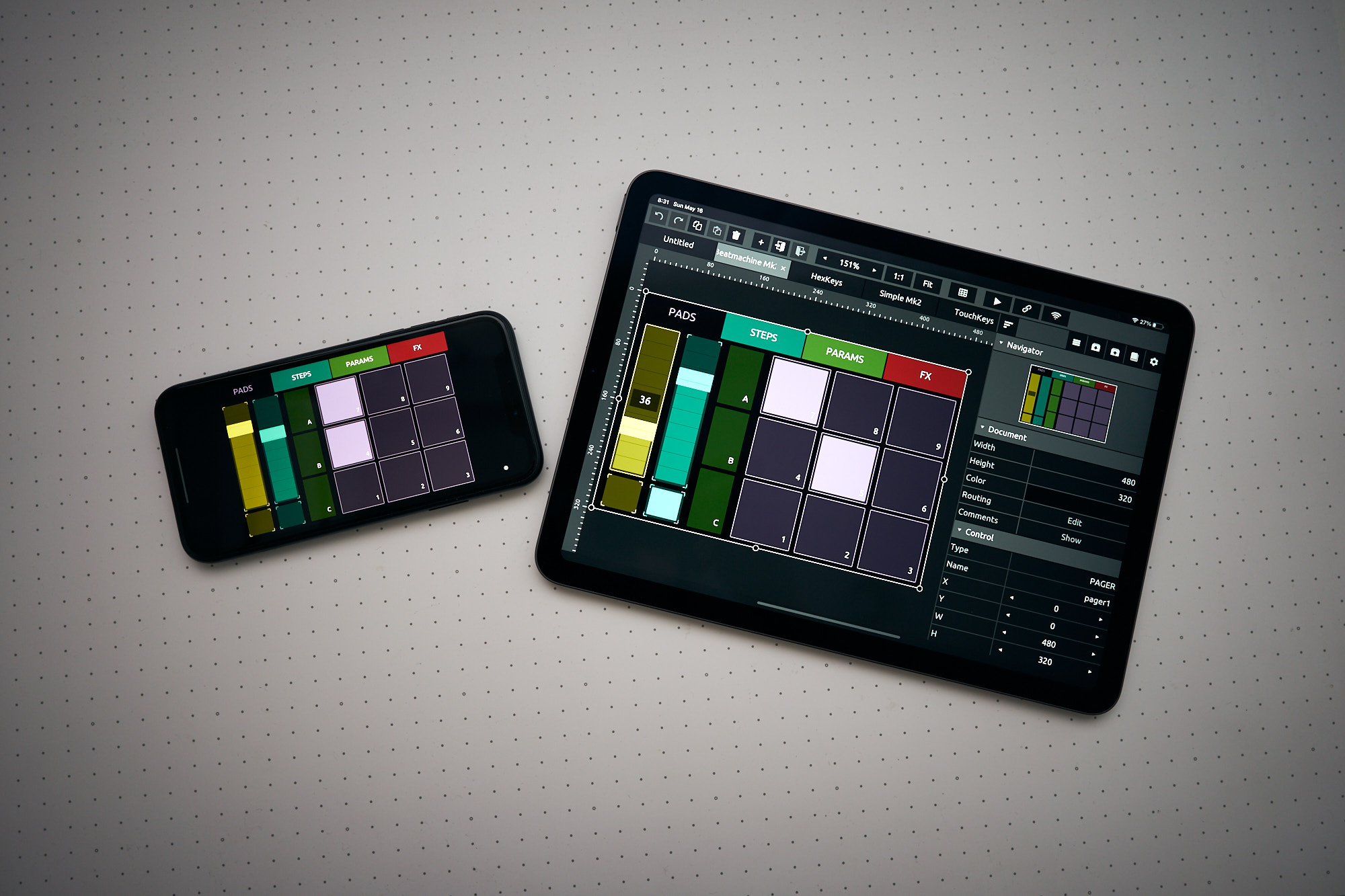
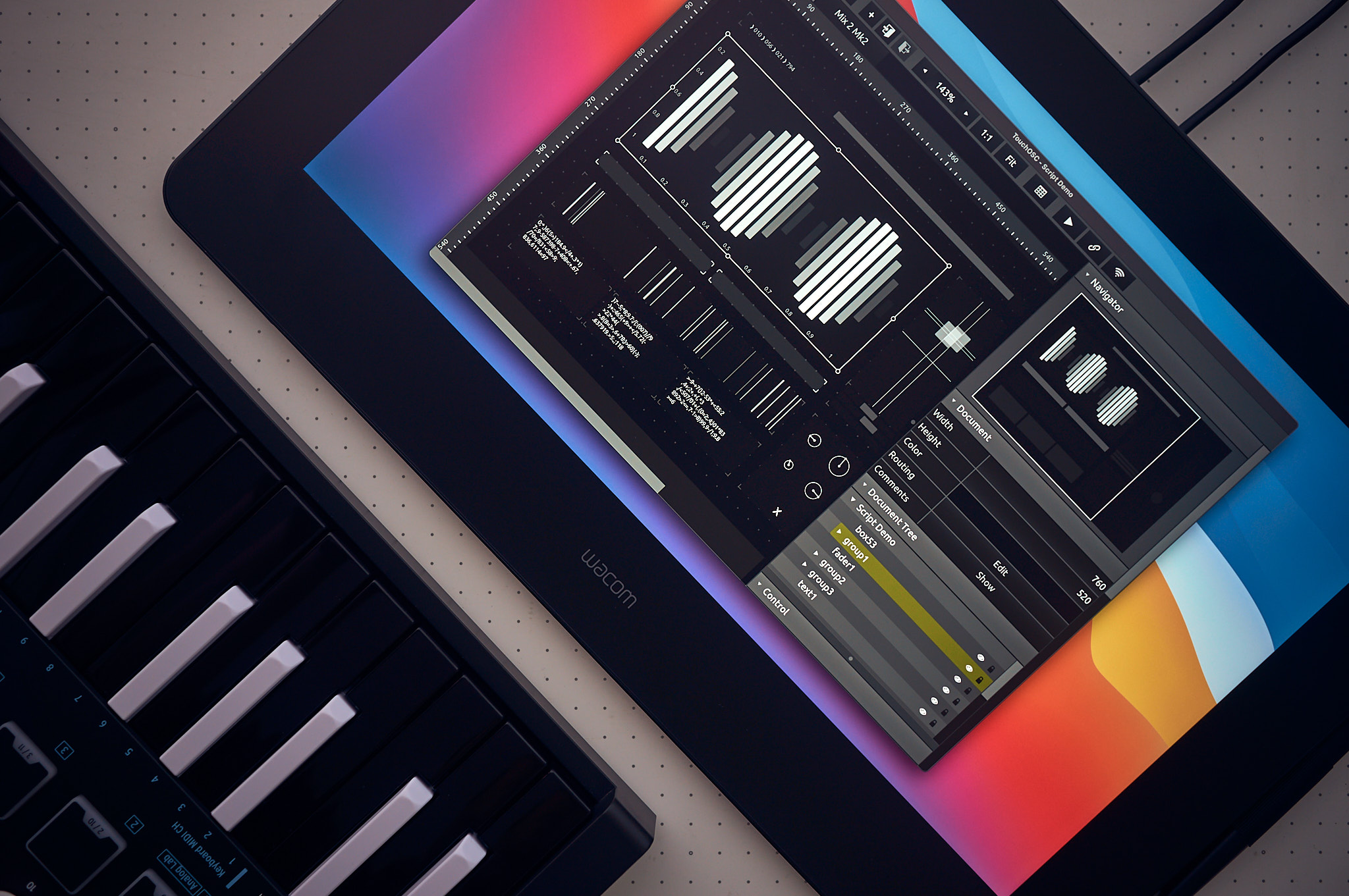
Multiple instances of TouchOSC can be connected on the network for synchronized editing. Use the precision of your desktop's mouse and keyboard for fine-grained, detailed editing - test-drive and preview in real-time on all connected touch-screen devices at the same time.
Scripting and local messages.
A lightweight and fast scripting engine allows deep access to all aspects of your controller and enables limitless customization and interactivity. For less complex tasks we've added local messages - simply wire up controls to transmit or display values; no need to break out the big (code) guns. Easy.
This is only the beginning...
We've supported and updated TouchOSC Mk1 for more than 10 years and we're planning to do the same for this new version. We've already got a whole bunch of features cooking that were just not quite ready yet. There is so much more to come...
Welcome to the next generation!
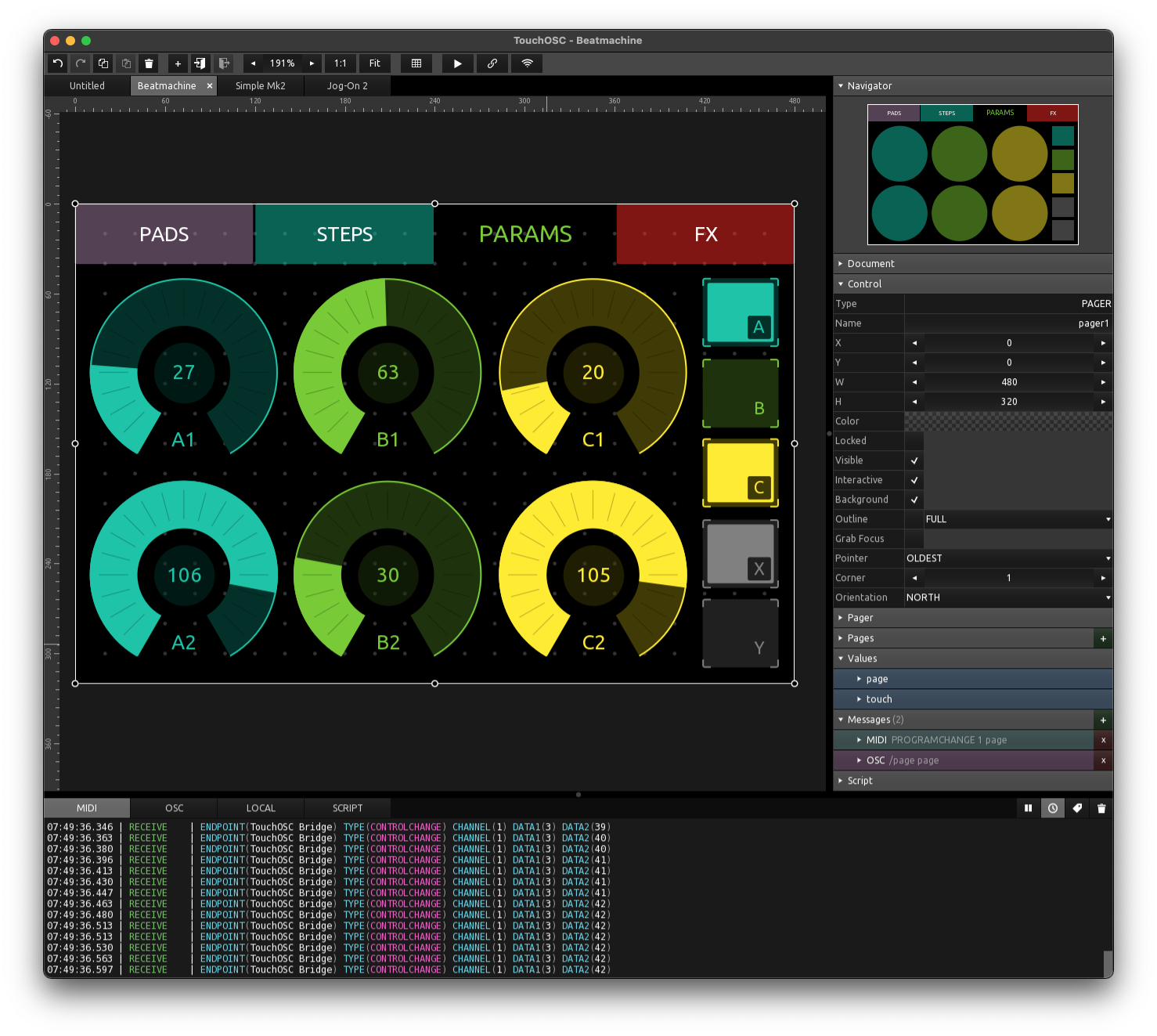
Controls. Controls. Controls.
Many types, shapes, options, sizes and colors. Round, triangular, hexagonal. Any color plus alpha. Nested containers. Multi-line text with unicode support. You name it!
Create anywhere.
Built-in, powerful editor. Available on all platforms. Synchronized network editing and preview on many devices in real-time.
Cross-platform.
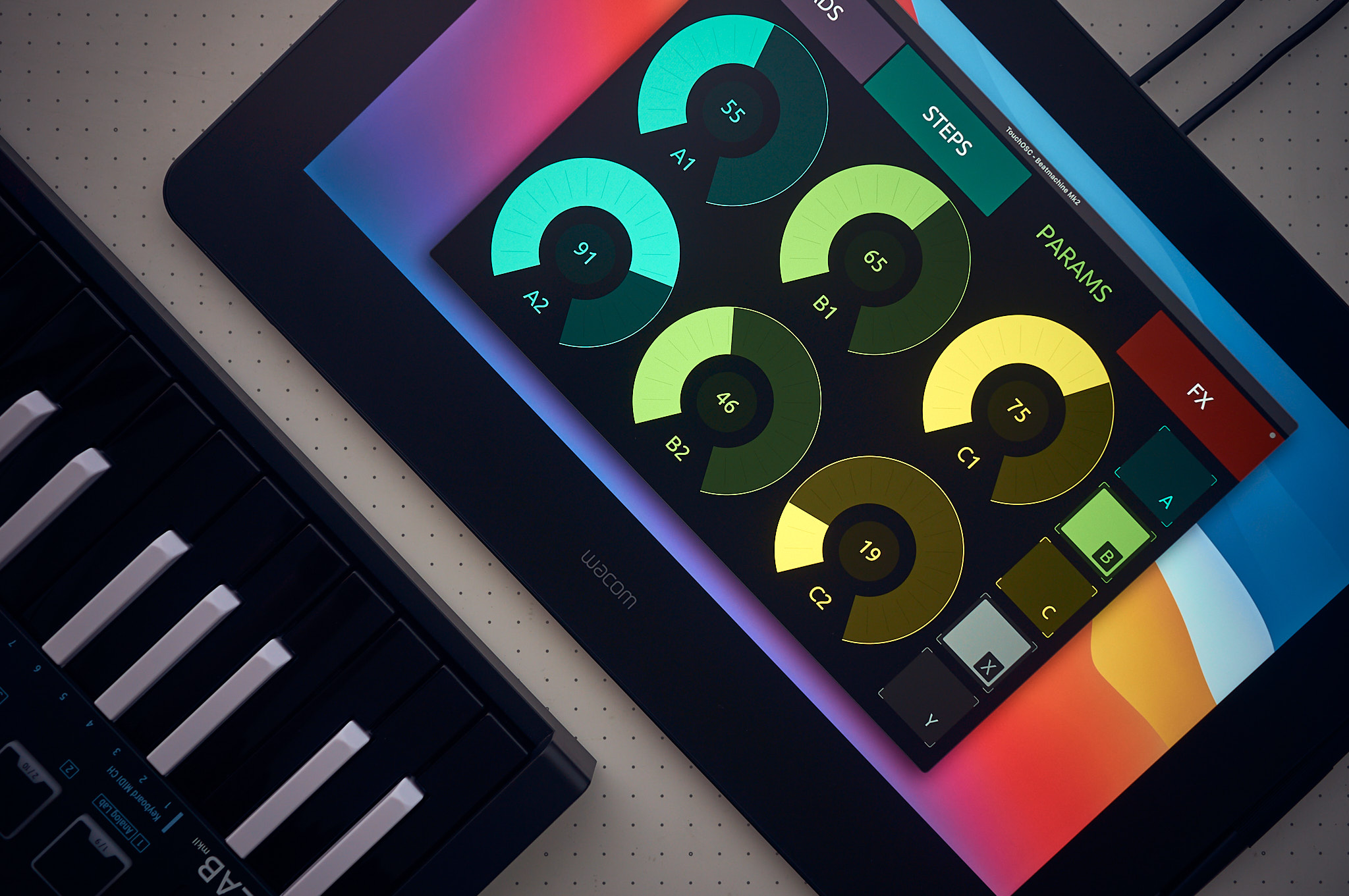
Runs on anything. Windows / macOS / Linux / iOS / Android / Intel / ARM / Apple silicon. All the chips and bits. Native multi-touch input on Windows & Linux, plus Wacom multi-touch display support on macOS.
MIDI, OSC & more...
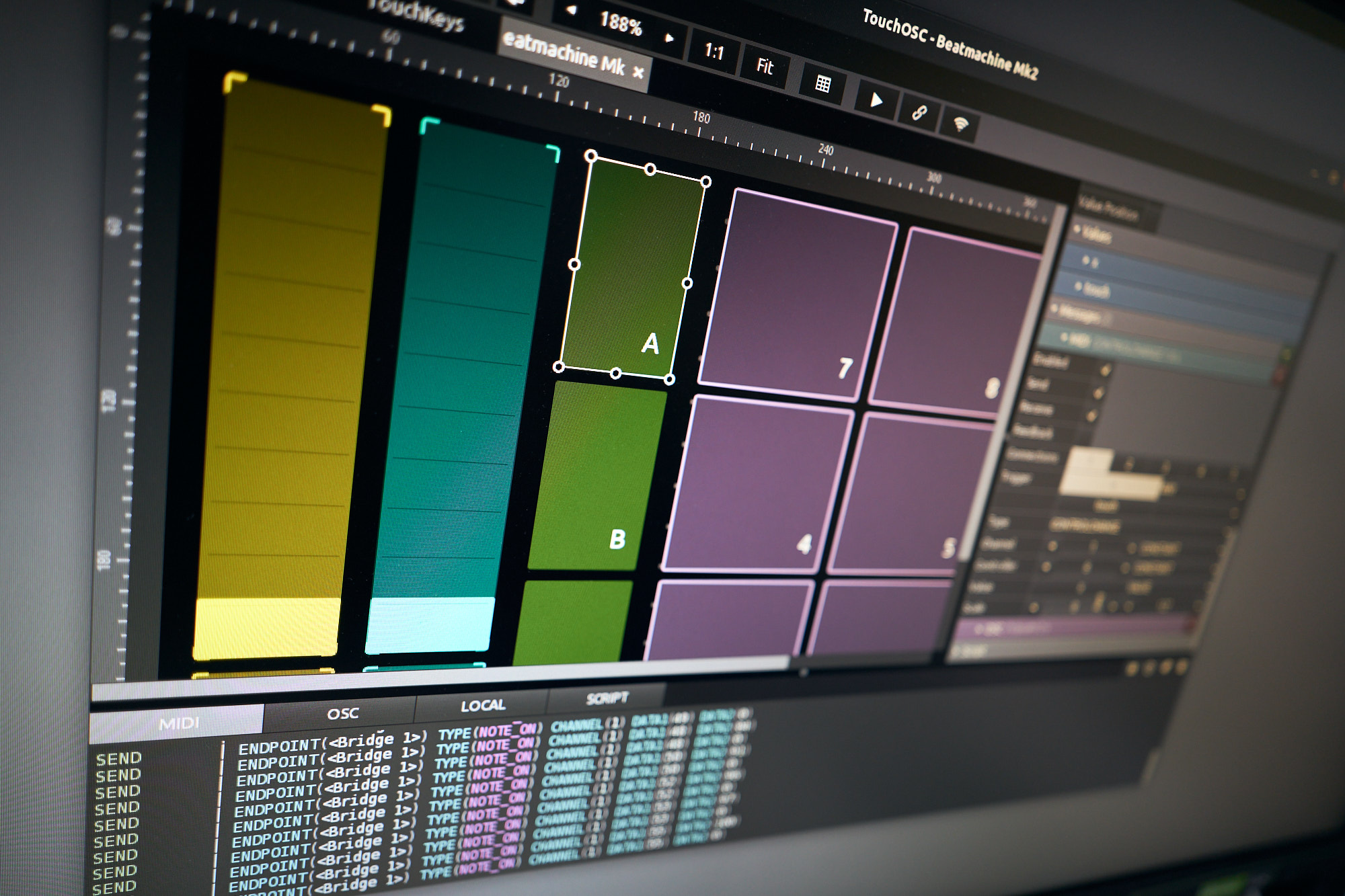
Many messages, many connections. Send and receive with powerful routing options. Wired, wireless and virtual MIDI plus TouchOSC Bridge. OSC via UDP & TCP. Native support for game controllers.
Scripting and local messages.
Fast and lightweight scripting engine for endless possibilities. Simple local messages for quick connections between controls - no coding required.
NI Traktor out of the box.
Traktor wizard Andrew Norris has created the most complete and powerful DJ controller yet. Included and ready to go!
Compatible Software
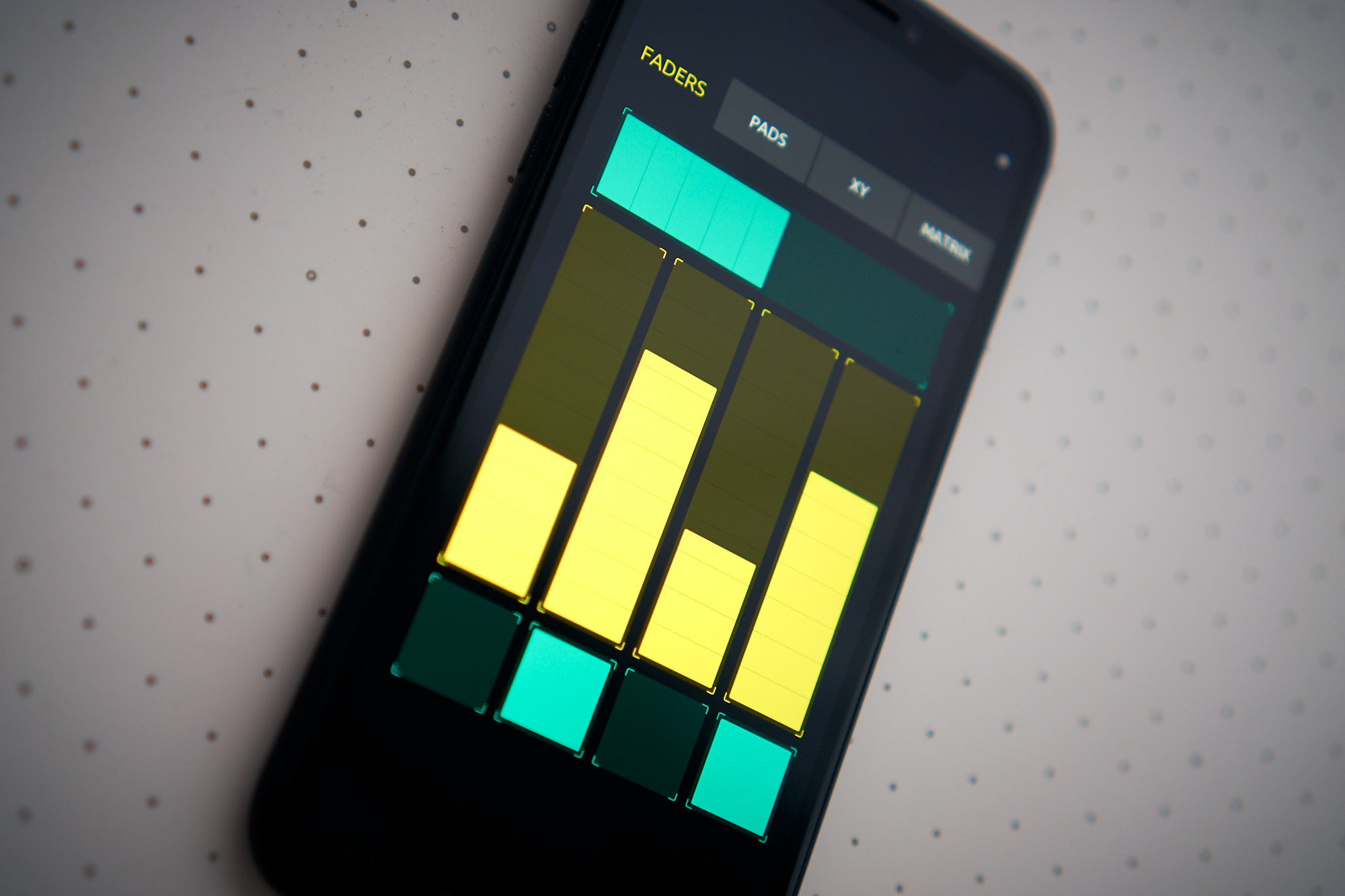
Any software that supports MIDI or OSC can be connected with TouchOSC. Here's some examples:
User Manual
A complete online manual is provided for all platforms.
TouchOSC Bridge
TouchOSC Bridge is a standalone application that relays MIDI messages sent from TouchOSC to any MIDI-capable application on your computer (and vice versa). TouchOSC Bridge is free to download and use.

TouchOSC
Next generation modular control surface
Mobile



Desktop
- Please try before you buy - the downloads above have no restrictions
- Licenses are one-time purchases - no subscriptions
- Licenses are valid for a single user on all supported desktop platforms (Mac, Windows, Linux)
- Mobile versions are licensed separately through the distributing app stores above
- All versions have the same features - editor and runtime are included on all platforms
- For volume and education discounts, please contact us
- View the End User License Agreement
Social Media